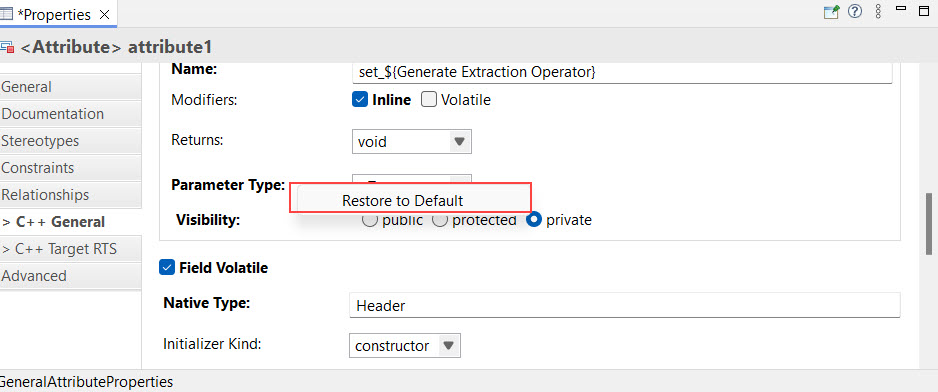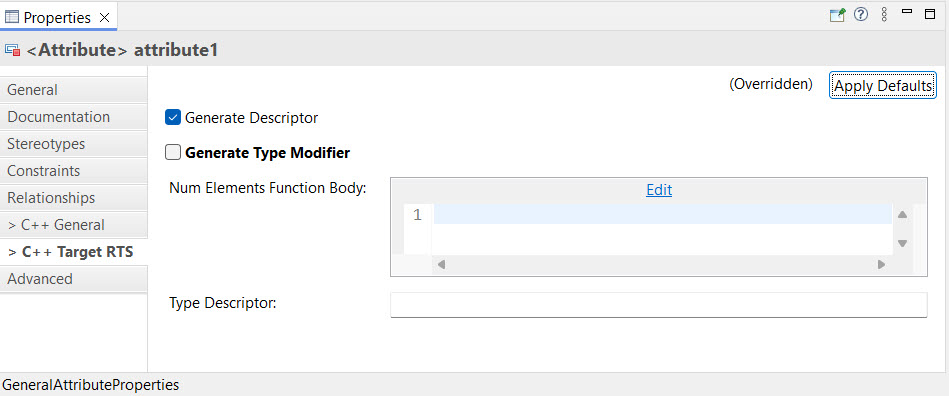
The property pages "C++ General" and "C++ Target RTS" contain many properties that affect code generation for model elements. Modified properties appear in bold, and a ">" indicator appears on the property page tab if at least one property has been changed.
This allows you to:
The ">" prefix also appears on the "Documentation" property tab when an element contains a documentation comment, so you can see at a glance whether documentation exists without opening the tab.
To restore a modified property in the "C++ General" or "C++ Target RTS" property pages, right-click the bold text, and select Restore to Default.